Getting Started
No agents. No credentials. Get up and running in minutes.
Scan Commands
Define which TCP and UDP ports to monitor across your environment.
Add Hosts
Add the IP addresses, CIDR ranges, or DNS domains you want to monitor.
Select Scan Schedule
Set the scan frequency — hourly, daily, weekly, or monthly — and the time of day to run.
Receive Alerts
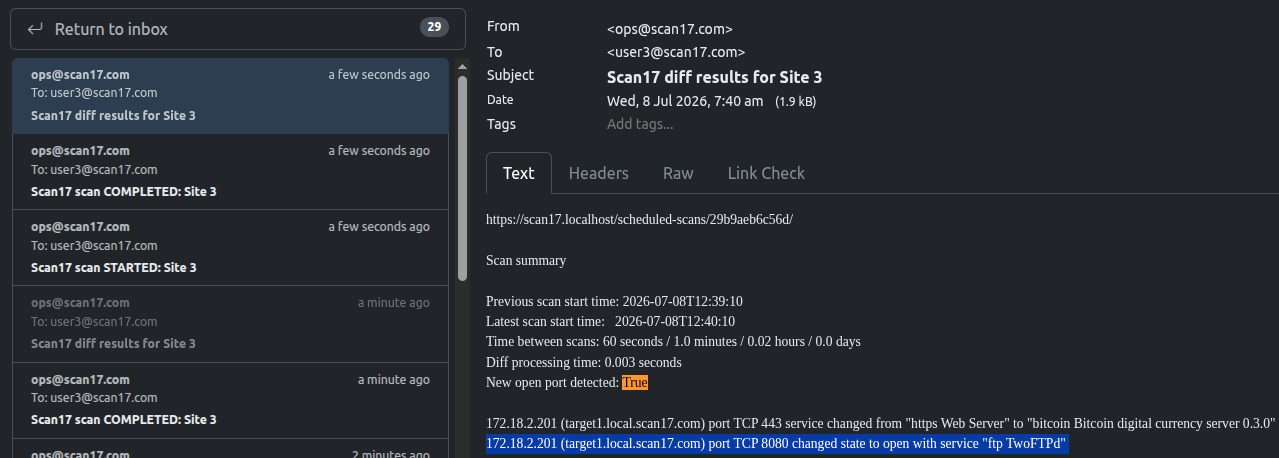
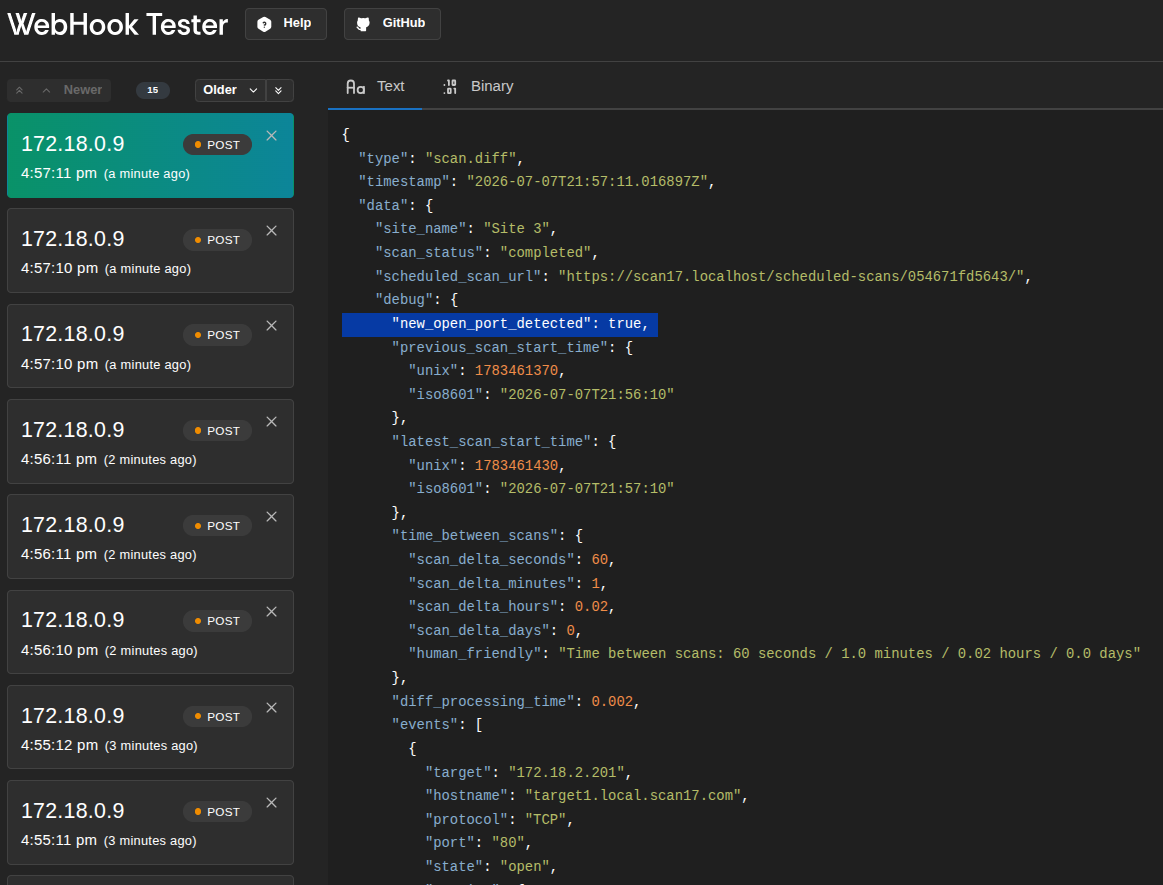
Get email/webhook notifications when the network port state changes for a target. State changes include network ports opening, closing, or services changing.
Features
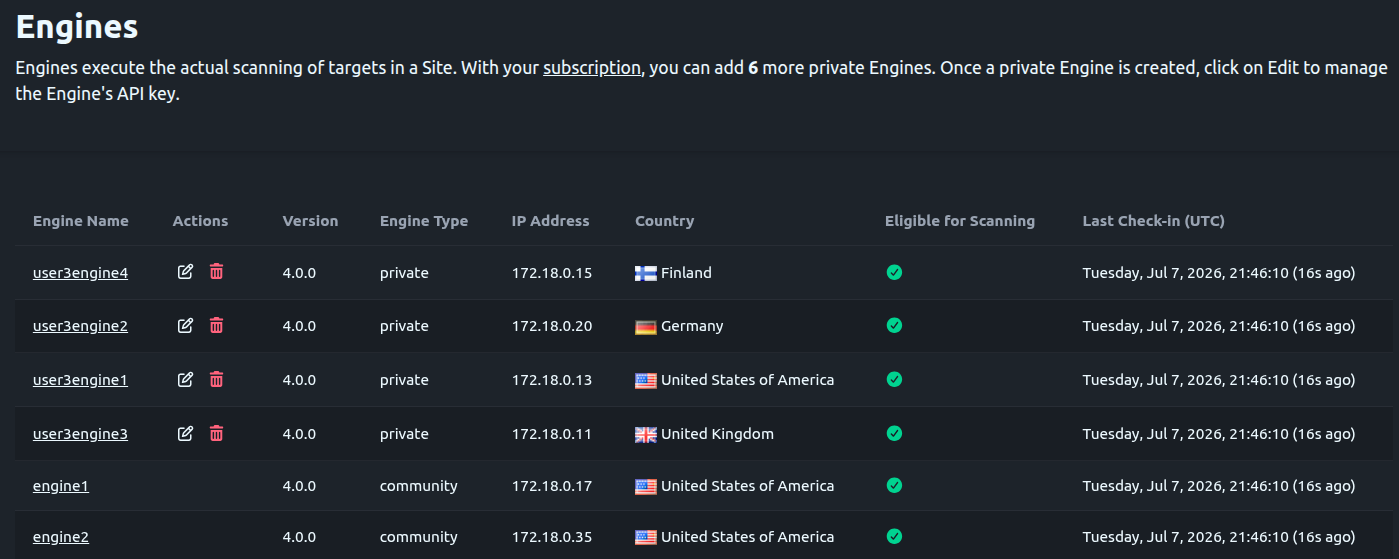
Self-Hosted Scan Engines
Host private/self-hosted Scan Engines on your own infrastructure. Private engines can be used to scan both external and internal IP addresses (e.g., 192.168.1.0/24, 10.0.0.0/8, etc.). Internal IP address scanning is useful to validate network segmentation.
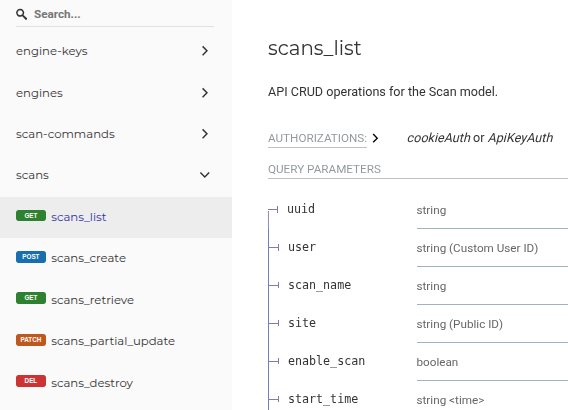
API
Leverage the REST API for automated workflows and easy integration into current security stacks and tooling. An OpenAPI Specification is provided to allow custom client SDK creation in the language of your choice. The official Python SDK is coming soon!
Flexible Alerting
Send email alerts to multiple teams and stakeholders and/or configure webhooks for notifications to platforms like Slack or Splunk.
What's Included
Scan17 launches soon. Here's a preview of what's planned — join the waitlist to be notified.
Free
Professional
Enterprise